







Hero image

Metatrader 4 (MT4) for Android

Trade on the go by installing one of the most technologically advanced trading platforms on your Android device.

DOWNLOAD MT4

MetaTrader 4 for Android

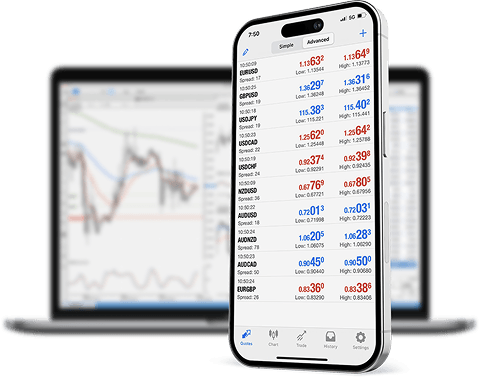
FP Markets offers access to the MetaTrader 4 Android app that can be used anywhere, anytime. Mobile Trading has never been easier with this easy-to-use and technologically advanced platform on your mobile device. Download MetaTrader 4 for Android and take your trading with you!

MT4 mobile features include:

  • Real-time quotes 24/5
  • One-click trading
  • Customise your forex trading layouts
  • User-friendly interface featuring trade levels with volumes on a chart
  • Interactive and advanced charts featuring easy scrolls and zooms
  • The ability to view your full forex trading history
  • Offline modes available with charts and symbol prices
  • Easy to download the Android app to your smartphone direct from Google Play store
OPEN ACCOUNT
Image of Coins

What can you trade with FP Markets?

Person Background

Why trade on the MT4 Android version?

Tight spreads

Trade major currency pairs with spreads starting from 0.0 pips

Raw pricing

Access institutional-grade liquidity with no price manipulation

Fast execution

Low latency trade execution delivered from our Equinix NY4/LD4 facility server cluster

Zero restrictions

Appropriate conditions for scalping and EAs with no minimal distance between the spread
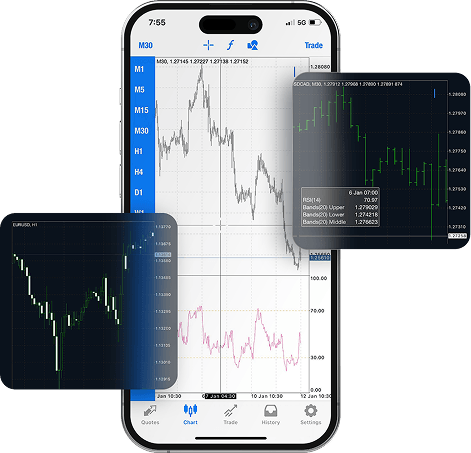
Image of Gadgets

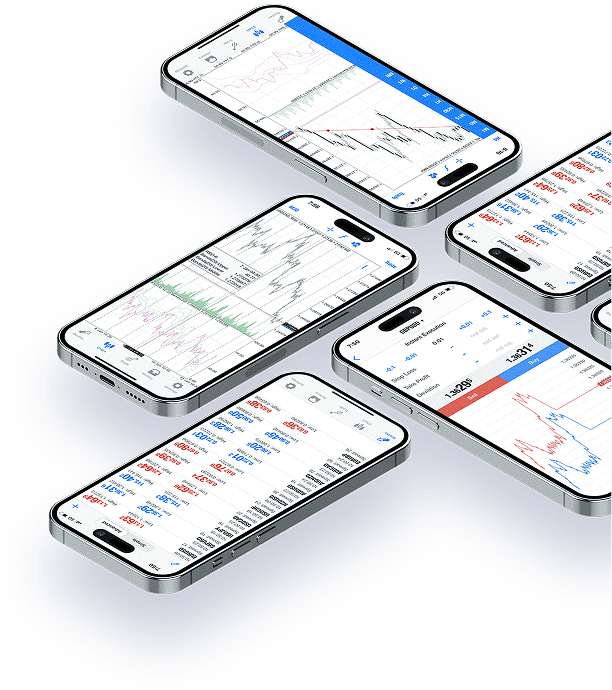
Fully Customisable Charts

  • 3 chart types and 9 time frames
  • Multiple drawing tool options
  • Modify chart layouts, timeframes and colours
  • Add charting indicators to suit your strategy
Image of hand

One-click trading

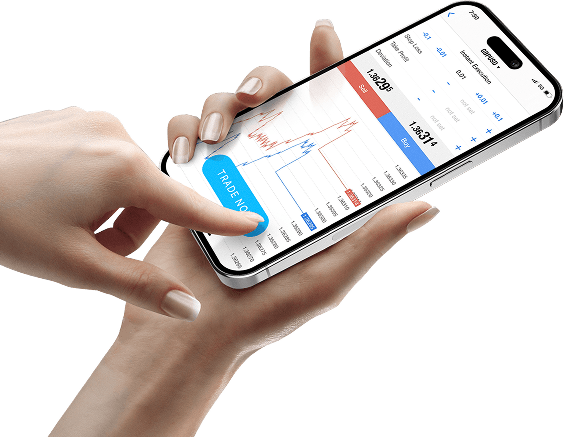
  • Trade directly off charts with one click
  • Place limit and stop orders
  • Set and modify take profit and stop loss
  • Set multiple trading alerts

Profiles and chart templates

  • Save your preferred chart templates
  • Easily set up new templates
  • Switch between your custom created profiles
  • Check different strategies with ease
Image of computer
Image of person with notepad

Multiple built-in indicators

  • Pre-installed with 50+ indicators
  • Free access to Metaquotes’ MQL5 community
  • Access thousands of custom indicators from downloads folder
  • Advanced analysis and data

Expert Advisors (EAs)

  • Access tight raw spreads for automated forex trading
  • Create or edit EAs with MT4’s Meta Editor
  • Back test EAs with an inbuilt strategy tester on your MT4 terminal
  • Access thousands of EAs through MQL5 community downloads section
Image of head

Trade Forex, Shares, Indices, Commodities, ETFs & Crypto

on the FP Markets MT4

0.0

Tight raw spreads from 0.0 pips

800+

800+ trading instruments

$100

Only US$100 initial deposit

1:500

Leverage up to 1:500

Server image

Start trading on MT4 today by following 4 simple steps:

Metatrader 4 for Android - FAQs

Can I use MT4 on my Android phone or tablet?

Yes, the MT4 Android app allows you to access your trading account, view live prices, place and manage trades, and monitor your trading activity from your Android device.

What features are available on the MT4 Android app?

The app includes key MT4 functions such as real-time quotes, interactive charts, order types, and trade history. While most core features are included, some advanced desktop tools may not be available.

Does the app support chart analysis tools?

Yes, the MT4 Android app includes basic charting tools and a selection of technical indicators to support on-the-go market analysis.

Onboarding Background

Start trading the global markets with a regulated broker

  • 10,000+ financial instruments
  • Cutting-edge trading platforms
  • Spreads as low as 0.0 pips
  • 24/7 multilingual Customer Support

By registering, you agree to FP Markets’ Privacy Policy and consent to receiving marketing materials from FP Markets in the future. You can unsubscribe at any time.

Get instant Updates in Telegram